For scarce items and fast-moving listings where seeing a new match quickly matters most.
PLANS AND PRICING
Choose how often each search should check.
Buy 1-minute, 10-minute or 60-minute search slots. Each active search uses one slot at its selected timing. Pause it and that slot is free for another search.
THREE TIMING OPTIONS
Match the checking speed to what you are looking for.
Timing belongs to the slot you buy. A 10-minute search uses a 10-minute slot, and changing it to 1 minute requires an available 1-minute slot.
For active markets such as current tech, cars, furniture and popular equipment.
For broader searches, collectibles and purchases where a calmer pace is enough.
SEARCH CAPACITY
See a slot become available.
Pause the tool-kit search below. The search stays in your account, but it stops using active capacity until you resume it.
Active · 1 min
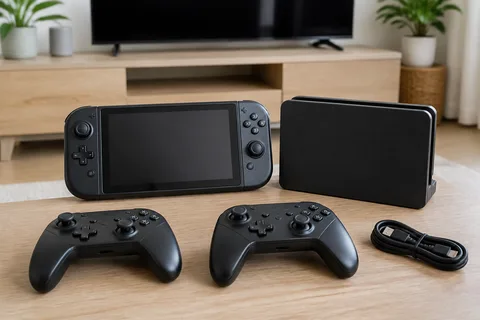 Handheld consoleOfferUp
Active · 10 min
 Electric crossoverAuto Trader
Active · 60 min
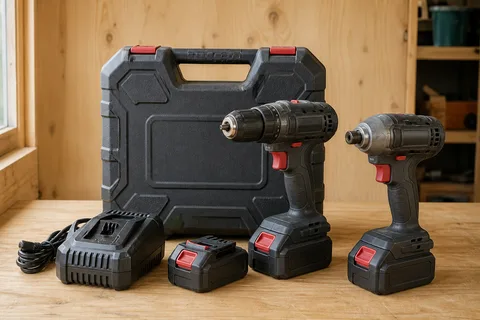 Cordless tool kitFacebook Marketplace
Three searches are actively watching.
WHAT USES A SLOT
One active search equals one slot at its timing.
- Choose a 1-minute, 10-minute or 60-minute slot.
- Each active search watches one marketplace.
- A separate marketplace needs a separate search.
- Pausing a search frees its slot.
WHAT DOES NOT COST EXTRA
Add the detail that makes a search useful.
- The marketplace you choose.
- Price, distance, condition and other details.
- The number of new matches Flipinator finds.
- Editing, pausing or removing a search.
A PRACTICAL EXAMPLE
Two marketplaces means two clear searches.
If you want a console from OfferUp and a car from Auto Trader, each stays separate and uses one active slot.
 OfferUp
 SEARCH 1 · ACTIVEHandheld console bundleOfferUp near Seattle
2active slots used
 Auto Trader
 SEARCH 2 · ACTIVE2022 electric crossoverAuto Trader near Portland
YOUR EXACT PRICE
Review the real total before you confirm.
Prices vary by timing, region and purchase method. Choose weekly or monthly billing for the account, then review the slot count, checking speed, currency, tax treatment and renewal terms together.
- 1Choose timing and quantity
Select 1-minute, 10-minute or 60-minute slots for the searches you want active.
- 2Review the total
Check the exact price, currency, included capacity and renewal terms.
- 3Confirm only when ready
No purchase is made from this marketing page.
Pricing questions, answered plainly.
What am I paying for?
Active search capacity at a selected checking speed. Choose 1-minute, 10-minute or 60-minute slots. One active search uses one available slot at the same timing.
Does the marketplace change the price?
No separate marketplace multiplier is added. Marketplace availability still depends on your region and confirmed location.
What happens when I pause a search?
It stops checking and frees its active slot. Its setup remains available so you can resume it later when capacity is available.
Do more matches cost more?
No. The number of matches that appear in Feed does not consume additional slots.
Can I have more than one subscription?
No. One subscription can provide slots at several checking speeds, but an account cannot have a second subscription or mix billing providers. Cancel the current subscription first, then choose another after its paid access ends.
Where can I see the exact price?
Open the signed-in purchase view. It shows the plans available to your account, the local amount, currency and applicable terms.
Can I change my active searches?
Yes. You can create, edit, pause, resume or remove searches within the capacity available to your account.
Choose capacity for the searches you want watched.
Review current local pricing and terms inside your account.